Best IPTV Box in 2026: What to Buy and What to Pay
We compare Formuler, BuzzTV, TVIP, Nvidia Shield, and ONN on the specs that actually matter — then show you how to pair any of them with a Watchit subscription in minutes.
- Boxes compared on chipset, RAM, and codecs
- Realistic US price ranges for 2026
- Watchit runs on every box listed
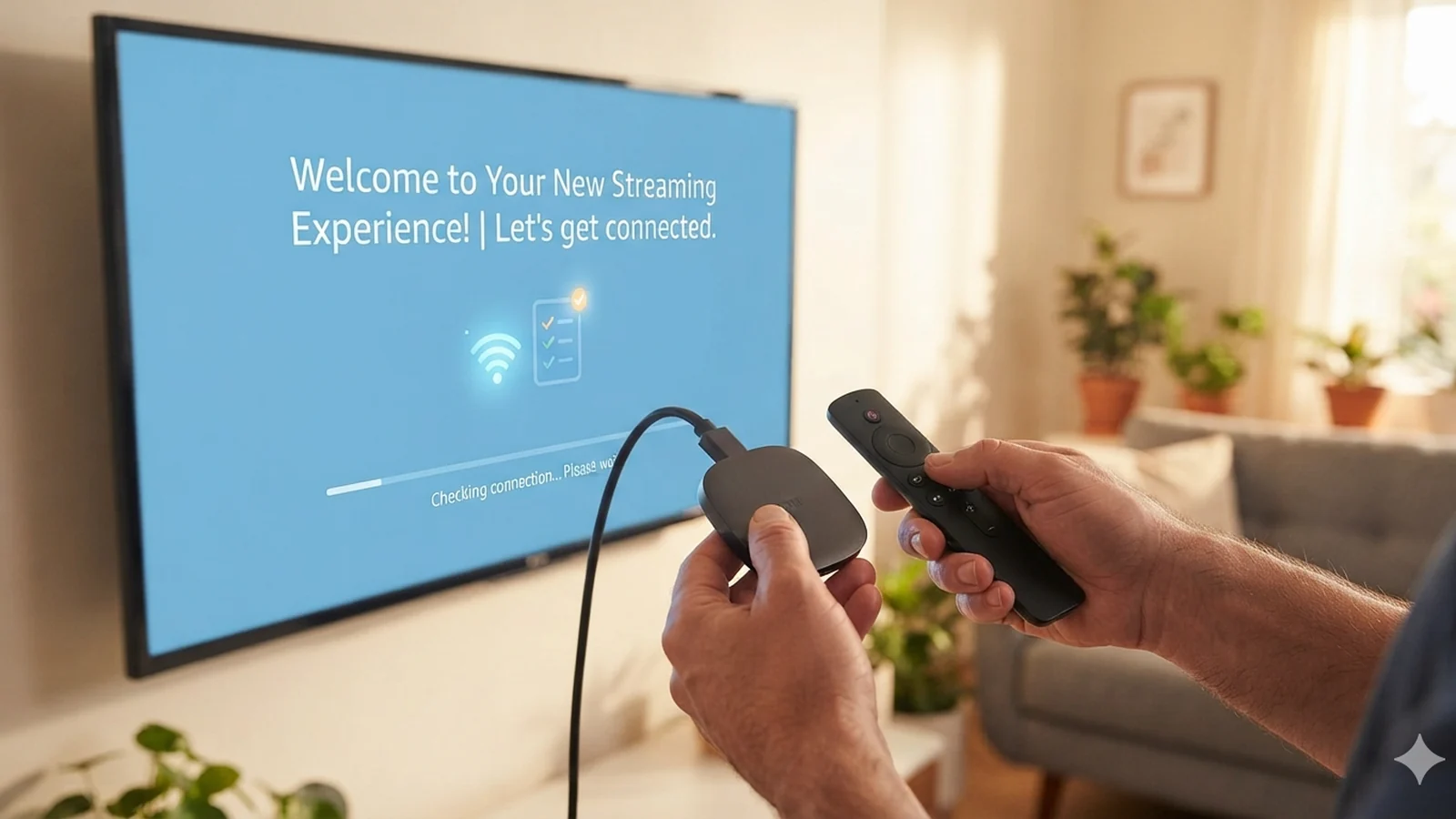
The best IPTV box in 2026 depends less on brand hype and more on three things: the chipset decoding your stream, the software running your player app, and the subscription feeding it content. This guide compares the boxes American buyers actually shortlist — Formuler, BuzzTV, TVIP, Nvidia Shield, and Walmart's ONN — on verifiable specs and realistic street prices. Just as important, it clears up the single biggest confusion in this market: the box is hardware, and hardware alone shows you nothing. You still need a service behind it, and Watchit works on every box on this page.
What You Get from Pairing the Right Box with Watchit
A well-chosen box handles the decoding; Watchit handles everything on screen. Here is what the combination delivers once your Xtream Codes login is entered.
22,000+ Live Channels on Any Box
News, sports, movies, kids, and international categories load the same whether you run MYTVOnline 3 on a Formuler or IPTV Smarters on a $20 ONN box.
80,000+ Movies & Series On Demand
The VOD library streams through the same login as live TV, so a box with decent storage cache and HEVC decoding turns into a full movie server.
4K/FHD Where Your Hardware Allows
Boxes with modern Realtek or Amlogic chipsets decode Watchit's 4K and FHD streams smoothly; we flag which models handle HEVC and AV1 in hardware.
Anti-Freeze Servers Behind the Stream
Buffering usually gets blamed on the box, but the server matters more. Watchit's anti-freeze infrastructure keeps streams stable even on budget hardware.
EPG That Fills Itself In
Your program guide populates automatically through the Xtream Codes API, so channel schedules appear correctly on Formuler, BuzzTV, TVIP, and Android boxes alike.
24/7 WhatsApp Setup Help
Stuck on a portal URL or an M3U field at 1 a.m.? Support answers around the clock and walks you through your specific box model step by step.
From Unboxing to Live TV in Four Steps
No technical skills needed. Pick a plan, receive your login credentials by email, and start watching on any device.
Connect and update the box
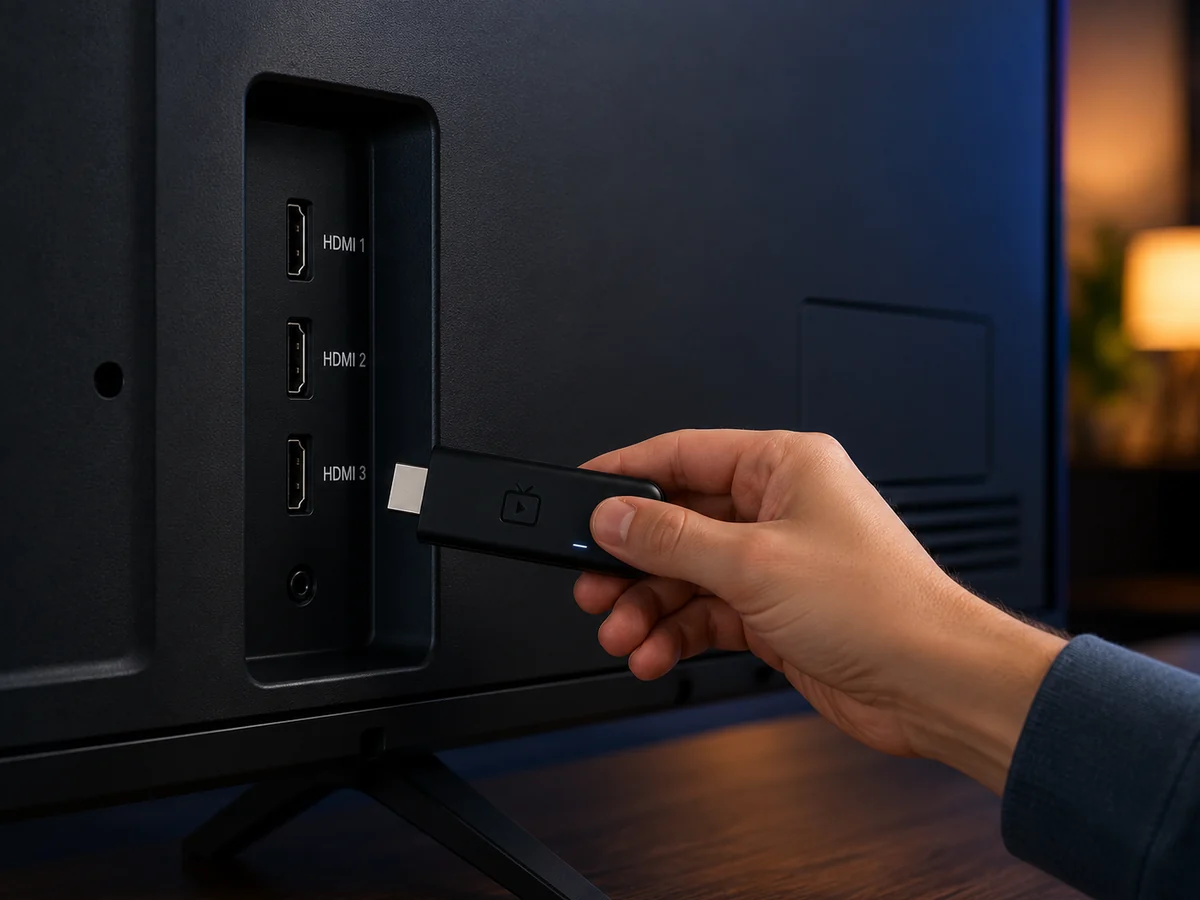
Plug into HDMI and Ethernet (or 5GHz Wi-Fi), then let the box pull its firmware update. On a Formuler or BuzzTV this takes about five minutes; on Google TV devices, sign into your Google account first.
Install or open your player app
Formuler ships with MYTVOnline 3 and BuzzTV with its own launcher. On Android TV or Google TV boxes, install IPTV Smarters Pro or TiviMate from the Play Store.
Enter your Watchit credentials
After ordering, you receive an Xtream Codes login — server URL, username, password — by email within minutes. Type the three fields into your app's login screen.
Load channels and set your quality
The channel list and EPG sync automatically. Open a live channel, confirm playback, then set stream quality to match your box and internet speed — 4K needs roughly 25 Mbps.
Why Pair Your Box with Watchit
Hardware reviews end where the real decision begins: what actually plays on the screen. Watchit supplies the content layer for every box in this guide — one subscription, one login, working identically on a $170 Formuler or a $20 ONN box, backed by a trial that costs you nothing.
- Works via Xtream Codes and M3U on every major box brand
- 22,000+ live channels plus 80,000+ movies and series
- Plans from $25 for 3 months — cheaper than one month of cable
- 24-hour free trial to test on your exact hardware first
- Anti-freeze servers so budget boxes still stream smoothly
- 24/7 WhatsApp support that knows Formuler, BuzzTV, and TVIP menus
Already Own a Box? Put It to Work Tonight
Whatever hardware is under your TV right now — Formuler, Shield, ONN, or a smart TV app — a 24-hour Watchit trial shows you exactly how 22,000+ channels perform on it.
IPTV Box vs Streaming Stick vs Smart TV App
| Features | Feature | Dedicated IPTV Box | Streaming Stick | Smart TV App |
|---|---|---|---|---|
| Typical US cost | $50–$200 one-time | $20–$60 one-time | $0 (uses your TV) | |
| Ethernet port | Yes, usually gigabit | Rare, adapter needed | Depends on TV model | |
| RAM for smooth EPG | 2–4GB | 1–2GB | Shared with TV OS | |
| Built-in IPTV software | Yes (MYTVOnline, BuzzTV OS) | App store install | App store install | |
| 4K HEVC decoding | Standard on current models | On 4K models only | Varies widely by year | |
| Best for | Daily heavy IPTV use | Travel and second TVs | Casual single-TV setups |
Choose Your IPTV Plan
Simple, transparent pricing. Every plan includes the full channel lineup, the VOD library, and 24/7 support. Cancel anytime.
3 Months
The easy way to try premium IPTV without a long commitment.
$45 Save 44%
Get 3 Months- 22,000+ live channels
- 80,000+ movies & series (VOD)
- Full HD and 4K where available
- Works on 1 device at a time
- Anti-freeze servers and EPG guide
- 24/7 support on WhatsApp
6 Months
The balanced pick if you watch TV every day.
$80 Save 44%
Get 6 Months- Everything in the 3-month plan
- Priority anti-buffering streams
- Premium channels in 4K and Full HD
- Works on 1 device at a time
- Free updates and catch-up TV
- Fast 24/7 support
12 Months
The lowest monthly price. Our most popular plan.
$140 Save 50%
Get 12 Months- Everything in the 6-month plan
- The lowest price per month
- 22,000+ channels in 4K/FHD
- Premium anti-freeze network
- Multi-device ready
- VIP priority 24/7 support
Still not sure? Start a free trial before you buy.
What Is an IPTV Box and Do You Actually Need One?
An IPTV box is a small set-top computer that receives television over your internet connection instead of a coax cable or satellite dish. It plugs into your TV over HDMI, connects to your router over Ethernet or Wi-Fi, and runs a player app that turns a subscription login into a channel guide. Some models — Formuler, BuzzTV, TVIP — are purpose-built for this and ship with IPTV software preinstalled. Others are general streaming devices, like the Nvidia Shield or Walmart's ONN box, that become IPTV boxes the moment you install a player app.
Do you need one? Honestly, only sometimes. If your smart TV is recent and responsive, an app on the TV itself may serve you fine, and a Fire TV Stick covers most casual setups — our Firestick IPTV guide covers that route in detail. A dedicated box earns its price in three situations: your TV is older or sluggish, you want a wired Ethernet connection for rock-solid 4K, or you watch several hours of live TV daily and want a remote and interface designed around channel surfing rather than app-hopping. An IPTV set top box with a real gigabit port and 4GB of RAM simply behaves more like cable than any stick can.
IPTV Box vs Streaming Stick vs Smart TV App: Which Setup Wins?
The table above summarizes the trade-offs, but the pattern in practice is consistent. Sticks win on price and portability: a Fire TV Stick 4K costs around $50, hides behind the TV, and travels in a pocket. Their weakness is thermals and connectivity — sticks throttle during long viewing sessions and rely on Wi-Fi unless you buy an Ethernet adapter, which is exactly where multi-hour live sports viewing exposes them.
Smart TV apps cost nothing and keep your setup clean. On a 2023-or-newer Samsung, LG, or Google TV set, running IPTV Smarters or a similar player directly on the TV is perfectly viable; our smart TV IPTV guide walks through it. The catch is that TV operating systems age badly — a five-year-old smart TV often struggles to scroll a 22,000-channel guide.
A dedicated box wins for heavy daily use. Gigabit Ethernet removes Wi-Fi variability, 4GB of RAM keeps a massive EPG scrolling smoothly, and hardware HEVC decoding handles 4K without drama. The realistic verdict: casual viewers should try the app or stick route first, while anyone replacing a full cable package should budget $100–$180 for proper hardware. Either way, the service behind the screen matters more than the plastic in front of it.
How We Evaluate IPTV Boxes (Chipset, RAM, OS, Codec Support)
Every box recommendation on this page is filtered through four verifiable criteria — spec-sheet facts, not vibes.
- Chipset. The system-on-chip does the video decoding. Current Realtek RTD1619 designs (Formuler's platform) and Amlogic S905X4-class chips handle 4K HEVC at 60fps in hardware. Anything older than roughly 2019 silicon will stutter on high-bitrate streams.
- RAM. 2GB is the working floor; 4GB is the comfort zone. RAM is what keeps an EPG with tens of thousands of entries scrolling without pauses and lets you flip between live TV and VOD instantly.
- Operating system. Android TV and Google TV give you the Play Store, so you can choose your player — Smarters, TiviMate, or any option in our IPTV player comparison. Closed systems like Formuler's Android-based MYTVOnline environment trade app freedom for a more polished, TV-first experience.
- Codec support. HEVC (H.265) hardware decoding is mandatory for 4K IPTV. AV1 support, found on the ONN 4K box and newer Amlogic chips, is a nice future-proofing bonus as providers adopt the more efficient codec.
Ports round out the picture: gigabit Ethernet beats fast Ethernet, and a USB 3.0 port helps if you record streams locally. Ignore marketing claims like “8K support” — decode capability on paper says nothing about interface speed in daily use.
Best IPTV Boxes in 2026: Formuler, BuzzTV, TVIP, Nvidia Shield, ONN Compared
Here are the five boxes worth shortlisting in the US market this year, with the specs that drive the experience.
| Box | Chipset / RAM | OS | Street Price (US) | Best For |
|---|---|---|---|---|
| Formuler Z11 Pro Max | Realtek RTD1619DR / 4GB | Android 11 + MYTVOnline 3 | $160–$190 | Serious daily IPTV viewers |
| BuzzTV X5 | Amlogic S922X-class / 4GB | Android 9 + BuzzTV OS | $130–$170 | Cable-style interface fans |
| TVIP S-Box v.705 | Amlogic quad-core / 1GB | Linux/Android dual-boot | $90–$120 | Compact, stable stalker-portal use |
| Nvidia Shield TV Pro | Tegra X1+ / 3GB | Android TV 11 | $195–$210 | All-in-one streaming plus IPTV |
| ONN 4K Streaming Box | Amlogic S905Y4-class / 2GB | Google TV | $20–$30 | Budget and secondary TVs |
The Formuler Z11 Pro Max is the enthusiast pick: MYTVOnline 3 is the most refined IPTV interface on the market, with instant channel zapping and clean EPG recording. The frequently searched Formuler Z Alpha remains a fair entry point into the same ecosystem, though its older chipset and 1GB of RAM make the Z11 line the better 4K buy in 2026. BuzzTV's X5 feels the most like a cable receiver. TVIP boxes are small, cool-running, and popular for their dual Linux/Android firmware. The Shield TV Pro is the most powerful general-purpose Android TV device you can buy, with AI 4K upscaling that flatters FHD streams. And the ONN box is the shock value pick — for about $25 it decodes 4K HEVC and AV1 and runs any Android IPTV app competently. All five stream Watchit's full lineup in 4K or FHD where available.
IPTV Box Prices in the USA: What You Should Pay in 2026
IPTV box prices in the US cluster into three tiers, and knowing them protects you from both overpaying and buying junk. Budget ($20–$50): the ONN 4K box, entry Google TV devices, and generic Amlogic boxes from online marketplaces. The ONN is the standout because Walmart backs it with real firmware updates; anonymous no-brand boxes at the same price often ship with abandoned Android builds. Mid-range ($90–$150): TVIP's S-Box line and BuzzTV's smaller models. You are paying for purpose-built IPTV software, better remotes with dedicated channel keys, and gigabit Ethernet. Premium ($150–$210): the Formuler Z11 series, BuzzTV X5, and Nvidia Shield TV Pro, where the money buys top-tier chipsets, 3–4GB of RAM, and interfaces that stay fast for years.
Two pricing red flags. First, any listing advertising an IPTV box with “free lifetime channels included” for $150–$300 is a known scam pattern — you are prepaying for a service that routinely dies within months, on hardware worth $30. Second, marketplace boxes promising “8K” for $40 are rebadged budget chips that struggle with 4K in practice. Buy hardware at hardware prices and get your content from a transparent subscription with published pricing instead — the total cost is lower and every part of the setup remains under your control.
Dedicated IPTV Set-Top Boxes vs Generic Android TV Boxes
This is the fork in the road most buyers hit after an hour of research. A dedicated STB box for IPTV — Formuler, BuzzTV, TVIP — is engineered around one job. The remote has number keys and a channel rocker, the interface boots straight into your guide, channel changes happen in under a second, and features like catch-up and local recording are built into the firmware. The trade-off is ecosystem lock-in: MYTVOnline 3 only exists on Formuler hardware, and these boxes are mediocre at general streaming apps.
A generic Android TV or Google TV box — Shield, ONN, Chromecast-style devices — flips those strengths. You get the full Play Store, every mainstream streaming app, voice search, and the freedom to run whichever IPTV player you prefer, including IPTV Smarters Pro with its multi-playlist support. The trade-off is that IPTV feels like an app among apps: a couple of clicks to reach live TV, and a remote designed for menus rather than channel surfing.
The honest rule of thumb: if IPTV will be 80% of the box's job and you are replacing cable outright, the dedicated set-top box is worth its premium. If IPTV shares the screen with other streaming apps and gaming, buy the Android box. Watchit works identically on both — same login, same 22,000+ channels, same EPG — so the hardware choice is purely about how you like to watch.
Important: The Box Is Hardware — You Still Need a Subscription
Here is the point that trips up more first-time buyers than any spec sheet: an IPTV box out of the carton shows you a menu and nothing else. It is a receiver. The channels, the movies, the program guide data — all of it comes from a subscription service that you log into, exactly the way a cable box is dead plastic until the cable company activates your account. No legitimate manufacturer ships channels with the hardware, which is why Formuler, BuzzTV, and TVIP all sell their boxes “service-free.”
This is also why the “fully loaded” box market exists and why you should walk past it. Sellers bundle a cheap Android box with a pre-configured playlist and market it as a one-time purchase with lifetime channels. The pattern is well documented: the underlying service is unstable, there is nobody to contact when streams stop, and the buyer is left holding hardware they could have bought for a third of the price. A box and a subscription are two separate purchases, and keeping them separate is what gives you a working support channel for each.
So the real buying decision is box plus service. The box costs $20–$200 once; the service is the recurring part, and quality varies enormously between providers. Watchit's approach is deliberately transparent: published plans from $25 for 3 months, a 24-hour trial before any commitment, and 24/7 WhatsApp support — the subscription layer designed to make whatever hardware you chose actually worth owning.
How to Set Up Watchit on Any IPTV Box (Xtream Codes and M3U)
Every box in this guide connects to Watchit through one of two standards, and your welcome email contains credentials for both.
Xtream Codes API (recommended). This is three fields — server URL, username, password — and it is the cleaner method because the channel list, VOD library, and EPG all sync automatically. On a Formuler, open MYTVOnline 3, choose “Add Portal,” select the Xtream Codes option, and type the three fields. On BuzzTV, the built-in launcher has an equivalent login screen. On Android TV, Google TV, and the Shield, install IPTV Smarters Pro or TiviMate from the Play Store and pick “Login with Xtream Codes API.”
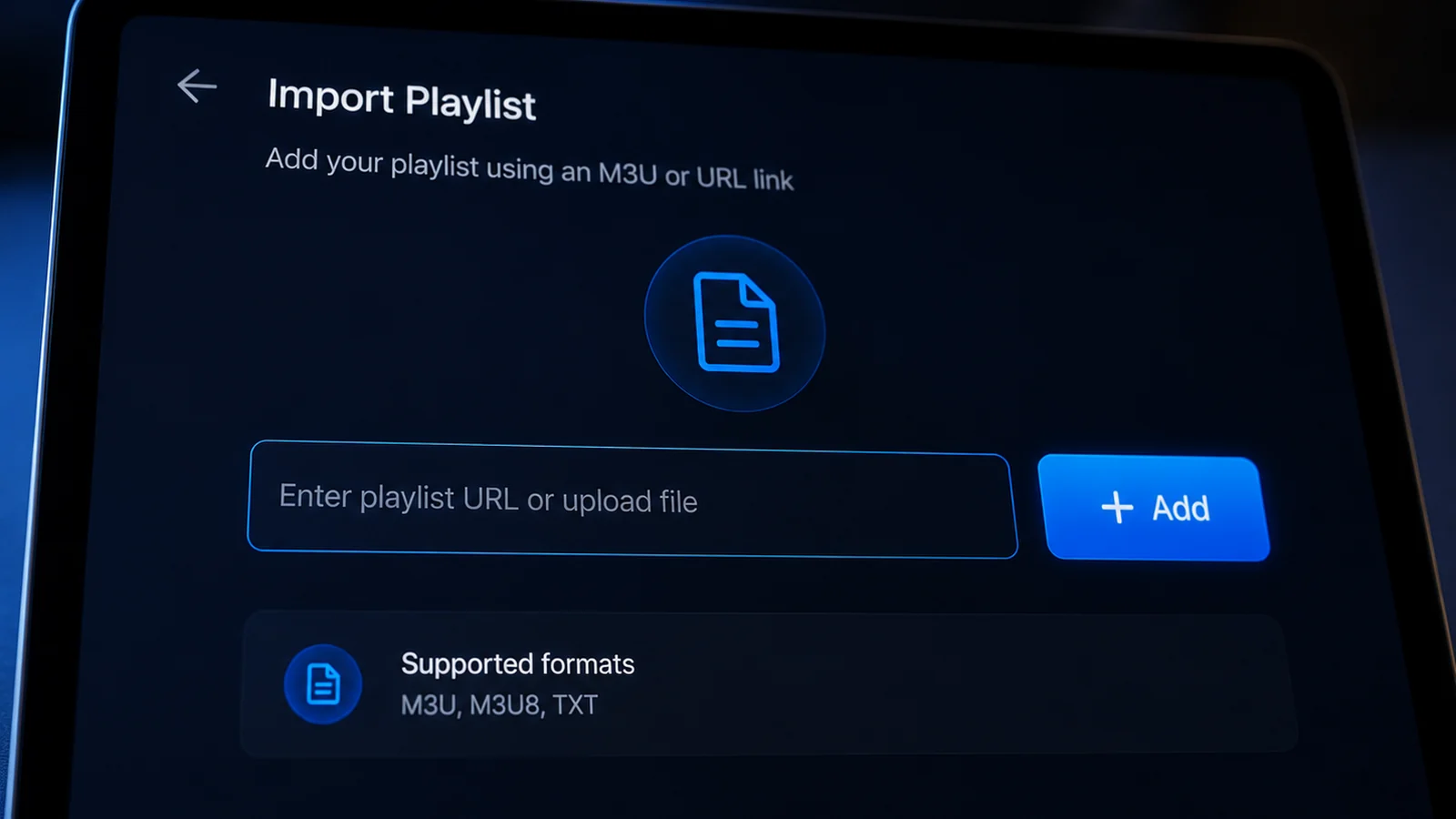
M3U playlist URL. Some players and TVIP's Linux firmware prefer a single playlist link. Paste the M3U URL from your email into the playlist field, add the EPG XML link if the app asks for one separately, and refresh. The result is identical content through a slightly more manual door.
Total setup time on any modern box is under ten minutes, and most of that is typing on an on-screen keyboard. If a portal URL throws an error or your guide loads empty, WhatsApp support is live 24/7 and can screen-walk your exact model. The smart sequence: grab the 24-hour free trial, confirm smooth playback on your specific box and connection, then commit to a plan knowing precisely how it performs in your living room.
4K Streaming on an IPTV Box: Internet Speed and Settings
4K IPTV is where hardware, network, and settings either click or collide. Start with bandwidth: a single 4K HEVC stream wants roughly 25 Mbps of consistent throughput, FHD needs about 8–10 Mbps, and those numbers must survive everything else on your network. A 200 Mbps plan is comfortable headroom for a household with one 4K TV plus phones and laptops; a 100 Mbps plan works if the box is wired.
Wired is the operative word. Ethernet is the single biggest 4K upgrade available, because Wi-Fi delivers bandwidth in bursts and live TV punishes every dip with a buffer wheel. Every premium box here has a gigabit port — use it. If the router is in another room, a $30 pair of powerline adapters beats Wi-Fi for stability in most US homes.
Then check three settings. First, set the box's HDMI output to match your TV — 4K at 60Hz with 10-bit color where supported. Second, in your player app, leave the decoder on hardware decoding; software decoding maxes out budget CPUs instantly. Third, if your box supports it, enable a small stream buffer (1–2 seconds) to smooth out network jitter. With those in place, Watchit's 4K streams run as steadily as any built-in TV app, whether the hardware is a $200 Shield or a $25 ONN box on Ethernet-over-powerline.
Apple households get a dedicated walkthrough in our IPTV on Apple TV guide.
Common IPTV Box Problems and How to Avoid Them
Five failure patterns account for nearly every “my box stopped working” complaint, and all five are avoidable.
- Buffering blamed on the wrong culprit. Test the same channel on your phone over mobile data. If it plays cleanly there, the issue is your home network, and moving the box to Ethernet usually ends it. If it stutters everywhere, the provider's servers are the problem — which is why anti-freeze infrastructure matters more than any hardware spec.
- EPG showing wrong times or blank slots. Set the box's time zone manually instead of automatic detection, then force an EPG refresh in your player. Nine times out of ten this fixes a guide that looks broken.
- Overheating throttle. Boxes stuffed inside closed cabinets thermal-throttle during long sessions and start dropping frames. Give the vents an inch of open air.
- Abandoned firmware. No-name marketplace boxes stop receiving updates within months, and player apps eventually break against old Android builds. This is the strongest argument for sticking with Formuler, BuzzTV, TVIP, Nvidia, or ONN.
- Dead “fully loaded” services. Pre-loaded boxes fail as services, and the hardware is fine — wipe it, install a proper player, and log into a legitimate provider.
Choose maintained hardware, wire the connection, and pair it with a service that answers support messages, and an IPTV box is genuinely low-maintenance — closer to a cable receiver than a computer project.
The Box Is the Easy Part — Choose the Service Carefully
Hardware is a one-time buy; the subscription is what you live with daily. Watchit publishes its pricing, answers WhatsApp around the clock, and lets you verify everything before paying.
Frequently Asked Questions
Everything you need to know before you subscribe. Still have questions? Our support team is available 24/7.
Related IPTV guides and plans
Pair Your Box with Watchit: Plans, Free Trial, and Setup Help
Plans start at $25 for 3 months, with 6 months at $45, 12 months at $70, and a Multi-Screen option at $140 for three simultaneous screens. Take the 24-hour trial first, and message WhatsApp support any hour for setup help on your exact box.