IPTV Multi Connection: Watch on Multiple Devices at Once
One subscription, three simultaneous streams. The Watchit Multi-Screen plan ends the fight over the remote for $140 a year.
- 3 simultaneous streams
- $140 for 12 months
- 22,000+ live channels

IPTV multi connection is the difference between a household that shares one screen and a household where everyone watches what they want. Most IPTV subscriptions — including our standard $25, $45, and $70 plans — allow a single active stream at a time. That works fine for one person, but the moment your kid starts a cartoon while you queue up the game, one stream gets cut. The Watchit Multi-Screen plan solves this with 3 simultaneous connections on one account: 12 months for $140, full access to 22,000+ live channels and 80,000+ movies and series on every screen. This guide explains exactly how connections work, when Multi-Screen makes financial sense, and which devices to put in each room.
One Account, Three Streams, Zero Arguments
What the Watchit Multi-Screen plan actually delivers for a multi-device household.
3 Simultaneous Streams
Three different screens can play three different channels at the same moment — live TV in the living room, a series in the bedroom, cartoons on a tablet.
Cheaper Than 3 Subscriptions
Three separate 12-month plans would cost $210. Multi-Screen delivers the same three concurrent streams for $140 — a flat $70 saved every year.
Full Library on Every Screen
Each connection gets the complete lineup: 22,000+ live channels, 80,000+ movies and series, EPG guide, and 4K/FHD quality where available. There is no reduced tier.
Anti-Freeze on All Streams
Connections are capped at three per account precisely so anti-freeze servers stay stable. Capacity is planned around real concurrency, so peak evenings stay smooth.
Mix Any Device Types
A Firestick, an Android phone, and a Smart TV can all stream at once. Connections count active streams, so any combination of hardware works together.
One Account to Manage
Single renewal date, single set of credentials, one 24/7 WhatsApp support channel. Managing a household setup takes minutes instead of juggling three logins.
How to Get Multi-Screen Running in Your Home
No technical skills needed. Pick a plan, receive your login credentials by email, and start watching on any device.
Order the Multi-Screen plan
Choose the $140/12-month Multi-Screen option at checkout and pay by PayPal, credit card, or crypto. Credentials arrive by email, usually within the hour.
Install a player app on each device
Load IPTV Smarters Pro, TiviMate, or your preferred player on every screen you plan to use — Firestick, Android box, Smart TV, phone, or tablet.
Log in everywhere with the same credentials
Enter your single set of account details on each device. Installs are unlimited; only simultaneous playback counts against your three connections.
Stream on up to 3 screens at once
Start playback in any three rooms simultaneously. A fourth active stream is refused until one of the three stops, which keeps quality consistent for everyone.
Why Households Pick Watchit for Multiple Devices
A multi-device plan only works if every stream holds up under load. Watchit caps connections at three per account and provisions servers for real peak-hour concurrency, so a Sunday night with all screens running looks the same as a quiet Tuesday.
- 3 concurrent streams for $140/year — $70 less than three separate plans
- Identical channel and VOD access on every connection
- Works across Firestick, Android TV, Apple TV, Smart TVs, phones, and PCs
- Honest connection policy: three streams, clearly stated, actually enforced
- 24-hour free trial to test every screen before paying
- 24/7 WhatsApp support for setup on each device
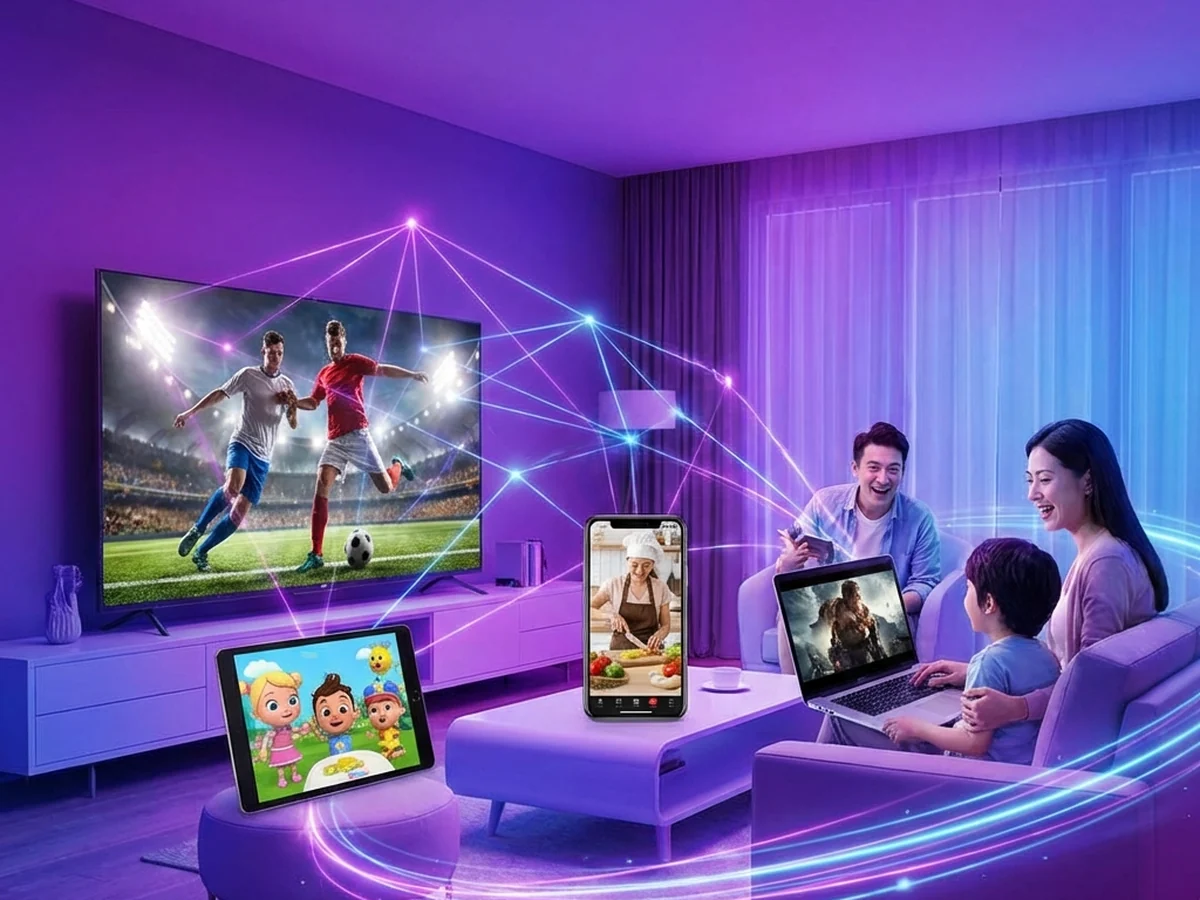
Two Screens Running Already Pays for Itself
From the second simultaneous viewer onward, Multi-Screen beats separate plans on price. Lock in 3 streams for $140 a year.
Multi-Screen vs Three Separate Subscriptions
| Features | Feature | 3 Standard 12-Month Plans | 1 Multi-Screen Plan |
|---|---|---|---|
| Annual cost | $210 ($70 × 3) | $140 | |
| Simultaneous streams | 3 | 3 | |
| Accounts to manage | 3 logins, 3 renewals | 1 login, 1 renewal | |
| Channel & VOD access | Full on each | Full on each stream | |
| Support requests | Per account | One account covers all screens | |
| Yearly savings | — | $70 |
Choose Your IPTV Plan
Simple, transparent pricing. Every plan includes the full channel lineup, the VOD library, and 24/7 support. Cancel anytime.
3 Months
The easy way to try premium IPTV without a long commitment.
$45 Save 44%
Get 3 Months- 22,000+ live channels
- 80,000+ movies & series (VOD)
- Full HD and 4K where available
- Works on 1 device at a time
- Anti-freeze servers and EPG guide
- 24/7 support on WhatsApp
6 Months
The balanced pick if you watch TV every day.
$80 Save 44%
Get 6 Months- Everything in the 3-month plan
- Priority anti-buffering streams
- Premium channels in 4K and Full HD
- Works on 1 device at a time
- Free updates and catch-up TV
- Fast 24/7 support
12 Months
The lowest monthly price. Our most popular plan.
$140 Save 50%
Get 12 Months- Everything in the 6-month plan
- The lowest price per month
- 22,000+ channels in 4K/FHD
- Premium anti-freeze network
- Multi-device ready
- VIP priority 24/7 support
Still not sure? Start a free trial before you buy.
What Multi-Connection IPTV Means (and Why Connections Are Not Installs)
A connection is an active stream — a device currently playing video on your account. An install is just the app sitting on a device, logged in and idle. This distinction confuses more buyers than any other part of IPTV pricing, so let's be exact: with Watchit, you can install and log in on as many devices as you own. Your Firestick, your bedroom Smart TV, your phone, and your work laptop can all hold your credentials permanently.
What your plan limits is how many of those devices can play at the same moment. A single-connection plan means one active stream; the Multi-Screen plan means three. When shoppers search for IPTV with multiple connections, this is the number that matters — installs were never the constraint. So before comparing providers, ignore claims about “unlimited devices” and ask one question: how many screens can actually run simultaneously?
Single Connection vs Multi-Screen: How IPTV Plans Actually Work
Watchit's standard plans — $25 for 3 months, $45 for 6 months, $70 for 12 months — are single-connection plans. Every one of them includes the full 22,000+ channel lineup and the complete VOD library; the only limit is one active stream at a time. For a solo viewer or a couple who watch together, that's the right buy, and the full pricing breakdown shows how the per-month cost drops as the term lengthens.
The Multi-Screen plan changes one variable: three concurrent streams instead of one, on a 12-month term, for $140. Nothing else differs — same servers, same EPG guide, same 4K/FHD quality where available. If you start a second stream on a single-connection plan, the server refuses or interrupts the first one. That behavior is standard across honest providers; a provider that never enforces its own limits is overselling capacity, and you will feel it at 8 p.m. on a Sunday.
Watchit Multi-Screen Plan: 3 Simultaneous Streams for $140/Year
The Multi-Screen plan is deliberately simple: 12 months, $140, three simultaneous connections, everything included. Payment works by PayPal, credit card, or crypto, and activation typically lands in your inbox within the hour after you complete your order. Each of the three streams is a full-privilege session — live channels across news, sports, movies, and entertainment categories, plus the 80,000+ title VOD library.
Searching for IPTV with 5 connections? Here's the honest answer: Watchit tops out at three. Services advertising 5 or 10 connections per account are often reselling shared credentials or running servers at ratios that guarantee buffering when everyone streams at once. Three enforced connections per account is the ceiling we can guarantee with anti-freeze performance. A household that genuinely needs a fourth simultaneous stream can add a standard plan alongside Multi-Screen — $140 plus $70 still covers four screens for $210 a year, with capacity that actually holds.
Multi-Screen vs Buying Multiple Subscriptions: The Math
The arithmetic is short. Three separate 12-month plans cost $210. One Multi-Screen plan costs $140. Same three concurrent streams, $70 kept in your pocket every year — enough to cover a Fire TV Stick 4K for a spare bedroom.
| Setup | Annual cost | Streams at once | Logins to manage |
|---|---|---|---|
| 1 standard plan | $70 | 1 | 1 |
| 2 standard plans | $140 | 2 | 2 |
| Multi-Screen | $140 | 3 | 1 |
| 3 standard plans | $210 | 3 | 3 |
Notice the middle rows: two separate plans cost exactly what Multi-Screen does, but deliver one fewer stream and double the account admin. The break-even point is two screens — from the second simultaneous viewer onward, Multi-Screen is either equal or strictly cheaper. If budget is the deciding factor, the break-even math above is the only number you need.
How Families Use Multi-Connection IPTV in Real Life
The realistic weeknight in a three-stream household looks like this: the living room TV carries a live game, a teenager streams a series on the bedroom Firestick, and a parent catches a news channel on a phone while cooking. Three connections, three different programs, one $140 account.
Weekends push different patterns. Saturday morning, cartoons run on the den TV while one adult watches a movie upstairs — two streams, one connection still free for whoever wakes up last. When grandparents visit, their guest-room TV logs into the same account; because installs are unlimited, that device sits ready year-round and only counts against the limit while it's actually playing.
The pattern that surprises new subscribers: most households rarely hit all three streams at once. The value isn't constant maximum usage — it's that a second stream starting never kills the first. That single guarantee is what ends remote-control negotiations.
Best Streaming Devices for Multi-Room IPTV Setups
A multi-room setup lives or dies on the hardware in each room, and the good news is that solid IPTV devices are cheap in 2026. The Amazon Fire TV Stick 4K (around $50) remains the default pick for secondary rooms: small, fast enough for 4K playback, and effortless to set up. For the main living room, a dedicated box like the NVIDIA Shield TV (around $150) or a mid-range Formuler Z11 Pro adds horsepower, better Wi-Fi radios, and Ethernet — worth it on the screen that runs hours daily. Our IPTV box comparison ranks the current options by budget.
Phones and tablets round out the third connection for free. IPTV Smarters Pro runs on iOS and Android, so the device already in your pocket becomes the kitchen or commute screen. Total hardware cost for a full three-room setup: roughly $50-$200 depending on how much you invest in the primary TV, spent once.
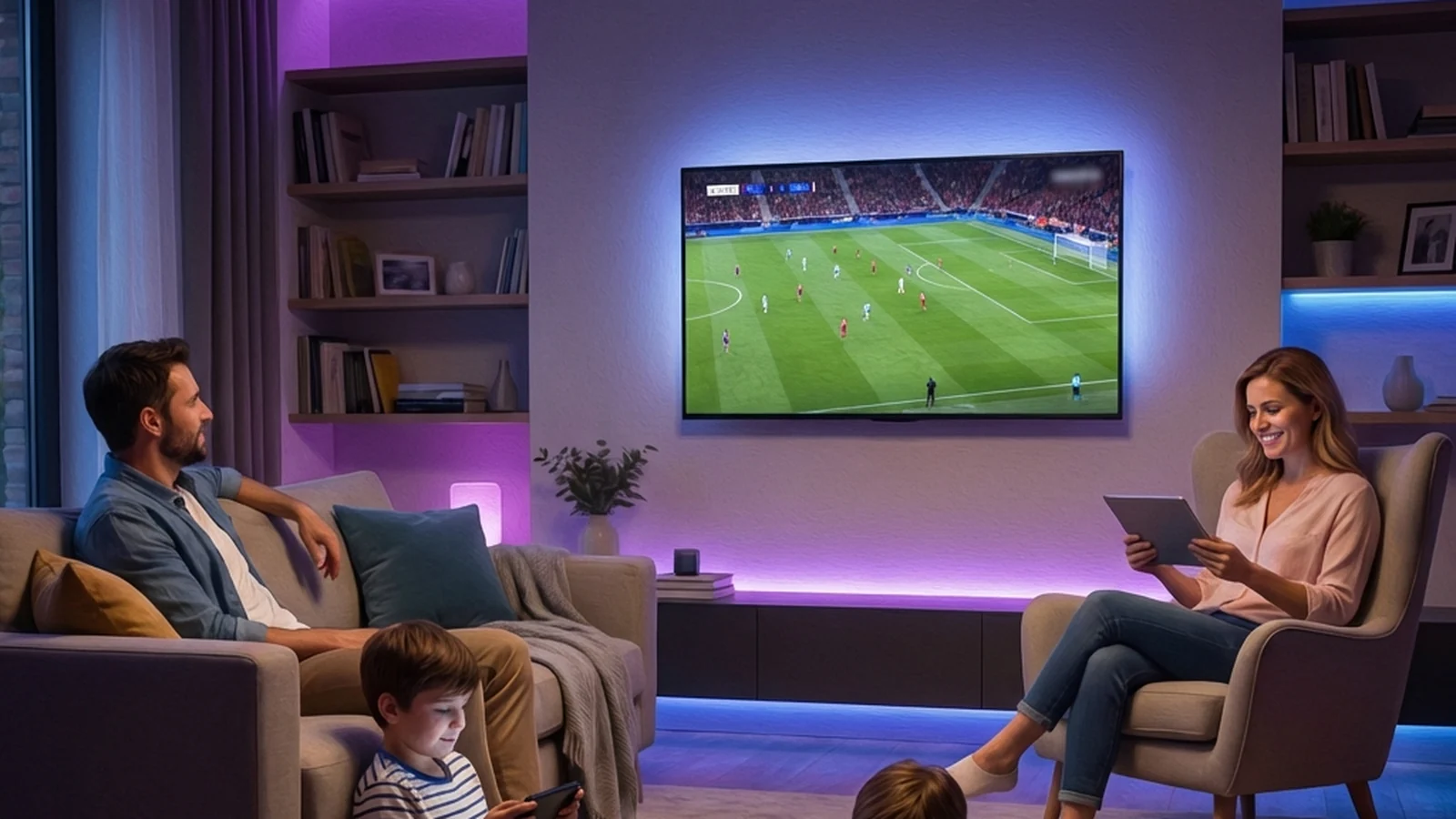
Firestick, Android TV Box, Smart TV: Choosing a Device Per Room
Think room by room rather than hunting for one perfect device. Living room: use the Smart TV's native app if it's a recent Samsung Tizen or LG webOS model — zero extra hardware, one remote. Older Smart TVs with sluggish processors do better with a stick plugged into HDMI; our Smart TV guide explains which model years handle IPTV apps natively.
Bedrooms and guest rooms: the Fire TV Stick 4K wins on price-to-performance. It boots fast, handles FHD and 4K streams, and the Firestick setup guide gets it running in about ten minutes. Home office or den: an Android TV box with Ethernet makes sense where Wi-Fi is weakest — a wired connection eliminates the most common cause of buffering in far rooms.
Mixing brands is fine. Connections are counted per stream, so a Tizen TV, a Firestick, and an Apple TV 4K coexist on one account with zero configuration overhead.
Bandwidth Requirements for Streaming on 2, 3, or More Screens
Each IPTV stream needs sustained throughput: figure 8 Mbps for FHD and 25 Mbps for 4K as safe planning numbers. Multiply by concurrent screens and add household overhead — video calls, gaming, cloud backups — and you get your real requirement.
| Simultaneous streams | All FHD | Mixed FHD + one 4K | All 4K |
|---|---|---|---|
| 2 screens | 16 Mbps | 33 Mbps | 50 Mbps |
| 3 screens | 24 Mbps | 41 Mbps | 75 Mbps |
Any US plan of 100 Mbps or more clears three FHD streams with margin; a 200-300 Mbps plan handles triple 4K comfortably. The bottleneck is usually Wi-Fi coverage rather than the plan itself — a router two floors away throttles a stream long before your ISP does. Run Ethernet to the heaviest-use TV, park the router centrally, and if you route traffic through a VPN, check our VPN speed recommendations, since an overloaded VPN server caps all three streams at once.
Multi-room shoppers sometimes cross-shop smaller brands; our Sonix IPTV review covers one Reddit keeps mentioning.
Setting Up Your Subscription on Multiple Devices Step by Step
Setup is the same three-step loop repeated per device. First, install a player: on Firestick, get IPTV Smarters Pro or TiviMate via the Downloader app; on Android TV, install straight from Google Play; on Samsung and LG Smart TVs, grab a player from the native app store; on iPhone and iPad, use the App Store. Full walkthroughs live in our IPTV Smarters Pro guide.
- Open the player and choose the Xtream Codes login option.
- Enter the server URL, username, and password from your activation email — identical on every device.
- Wait for the channel list and EPG to load, then favorite the channels that room actually watches.
Two practical tips: name each device profile by room (“Bedroom Firestick,” “Kitchen iPad”) so support conversations stay clear, and set the stream format to m3u8 on any device that stutters — it resolves most playback quirks on older Smart TVs. Total time for a three-room household: under 30 minutes.
Common Multi-Device Issues and How to Avoid Them
“Stream limit reached” messages. This means three streams are already live. The usual culprit is a device that was paused rather than stopped — a paused Firestick can hold its session open. Back out of the player fully on unused screens, and the connection frees within moments.
One room buffers while others run clean. That's local network trouble, since all three streams ride the same servers. Test the struggling device on a phone hotspot: if playback smooths out, the fix is Wi-Fi placement or an Ethernet run, and switching that room's player to a lower bitrate stream helps immediately.
EPG loads on one device but shows blank on another. Refresh the EPG source inside the player settings — different apps cache the guide on their own schedules, and a manual refresh forces the current listing to download. On TiviMate, set the update interval to every 12 hours so all rooms stay in sync automatically.
Every one of these is diagnosable over WhatsApp in minutes, and the smartest move is testing all your screens during the 24-hour free trial before any money changes hands.
Prove It on Your Own Wi-Fi First
Run streams in every room during a 24-hour trial. If your network and devices handle it, upgrade knowing exactly what you're buying.
Frequently Asked Questions
Everything you need to know before you subscribe. Still have questions? Our support team is available 24/7.
Related IPTV guides and plans
Start Your 24-Hour Free Trial and Test Every Screen in the House
Install a player in each room, stream simultaneously, and see the anti-freeze servers hold up under your household's real load — then go Multi-Screen for $140/year.