IPTV Free Trial: Test 22,000+ Channels for 24 Hours
Request your trial on WhatsApp, get credentials in minutes, and put the full Watchit lineup through every test you can think of — before you spend a dollar.
- Full access, zero restrictions
- Activated in minutes via WhatsApp
- No credit card required
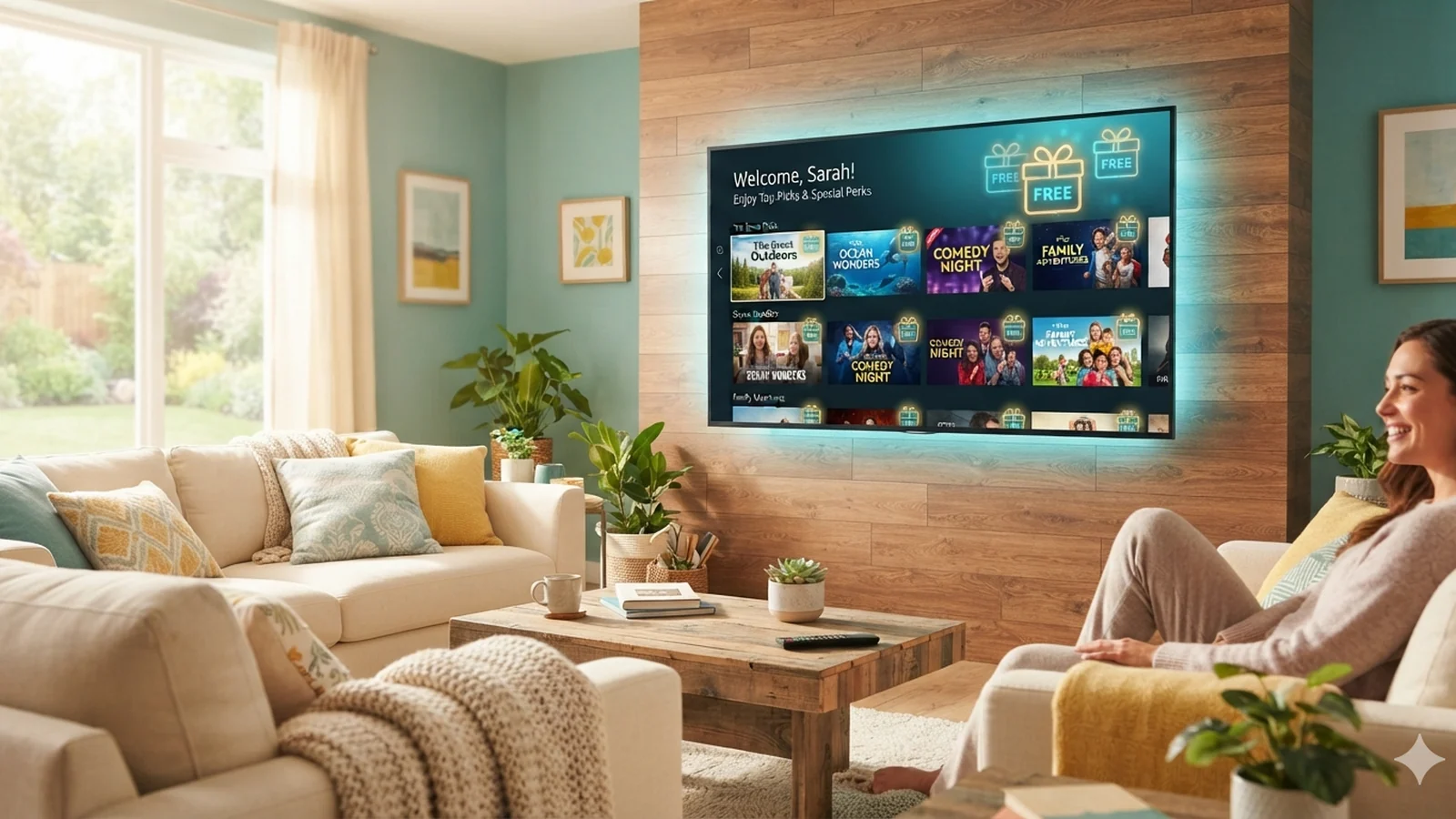
An IPTV free trial should answer one question: does this service actually hold up on your TV, your internet connection, and the channels you watch every night? Watchit gives you 24 hours of unrestricted access to the same servers paying subscribers use — all 22,000+ live channels, the full 80,000+ movie and series library, 4K and FHD streams where available, and the complete EPG guide. You request it over WhatsApp, receive login credentials within minutes, and test everything on your Firestick, Smart TV, phone, or PC. If the quality convinces you, plans start at $25 for 3 months. If it doesn't, you've lost nothing.
What a Real Free Trial Gets You
A trial only means something if it mirrors the paid product exactly. Here is what your 24 hours actually include.
The Complete Channel Lineup
Every one of the 22,000+ live channels is unlocked from the first minute — US networks, sports, news, kids, and international categories — identical to what a 12-month subscriber sees.
Full VOD Library Access
Browse and stream from 80,000+ movies and series on demand. Test how fast titles load, how the catalog is organized, and whether playback resumes cleanly after pausing.
Same Anti-Freeze Servers
Trial accounts run on the production infrastructure, so the stability you see during your 24 hours is exactly the stability you get after subscribing. There is no separate demo server.
Activation in Minutes
Trial requests are handled by a live support agent on WhatsApp around the clock. Most users go from first message to watching their first stream in under 15 minutes.
No Payment Details Required
You never enter a card number, PayPal login, or wallet address to start the trial. There is nothing to cancel and no surprise charge waiting when the 24 hours expire.
Test on Your Real Setup
Use the trial on the exact device you plan to watch on — Firestick, Samsung or LG Smart TV, Android box, iPhone, or Windows PC — with your actual home internet speed.
How to Start Your Free Trial in 3 Steps
No technical skills needed. Pick a plan, receive your login credentials by email, and start watching on any device.
Message us on WhatsApp
Tap the trial button anywhere on this page and send a short message — something like “free trial please” works fine. A support agent replies 24/7, usually within a few minutes.
Tell us your device
Say whether you're on a Firestick, Smart TV, Android box, iPhone, or PC. The agent sends your username, password, and server URL, plus the right app recommendation for your hardware.
Log in and start testing
Enter your credentials in IPTV Smarters Pro, TiviMate, or your preferred player. Your 24-hour clock starts at activation, so request the trial when you actually have an evening to test.
Why Watchit Lets You Test Everything First
Plenty of providers hide weak streams behind screenshots and bold claims. Watchit takes the opposite bet: hand you the full product for 24 hours, let you hammer it during peak evening hours, and win the subscription on measurable quality rather than marketing.
- Trial runs on production servers, not a polished demo environment
- All 22,000+ channels and 80,000+ VOD titles unlocked immediately
- Human support on WhatsApp during your trial, 24/7
- Zero payment information collected before you decide
- Works with IPTV Smarters Pro, TiviMate, and other standard players
- Upgrade to a paid plan in the same WhatsApp chat when ready
One Message Away From 22,000+ Channels
Open WhatsApp, ask for the trial, and you'll be streaming on your own TV within minutes — full lineup, real servers, nothing held back.
24-Hour vs 48-Hour vs 72-Hour Trials: What Actually Matters
| Features | What You're Evaluating | 24-Hour Trial (Watchit) | Typical 48-72h Trial |
|---|---|---|---|
| Access level | Full lineup, all 22,000+ channels and VOD | Often a limited “trial package” subset | |
| Peak-hour testing (7-11 PM) | One full evening — enough to expose weak servers | More evenings, but same servers behave the same | |
| Payment info required | None | Some demand a card “for verification” | |
| Activation speed | Minutes, via live WhatsApp agent | Frequently email forms with 12-24h delays | |
| Server tier | Same production servers as paid accounts | Sometimes separate demo servers tuned to impress | |
| What longer duration adds | Nothing measurable — quality issues surface in hours | Extra days rarely reveal new information |
Choose Your IPTV Plan
Simple, transparent pricing. Every plan includes the full channel lineup, the VOD library, and 24/7 support. Cancel anytime.
3 Months
The easy way to try premium IPTV without a long commitment.
$45 Save 44%
Get 3 Months- 22,000+ live channels
- 80,000+ movies & series (VOD)
- Full HD and 4K where available
- Works on 1 device at a time
- Anti-freeze servers and EPG guide
- 24/7 support on WhatsApp
6 Months
The balanced pick if you watch TV every day.
$80 Save 44%
Get 6 Months- Everything in the 3-month plan
- Priority anti-buffering streams
- Premium channels in 4K and Full HD
- Works on 1 device at a time
- Free updates and catch-up TV
- Fast 24/7 support
12 Months
The lowest monthly price. Our most popular plan.
$140 Save 50%
Get 12 Months- Everything in the 6-month plan
- The lowest price per month
- 22,000+ channels in 4K/FHD
- Premium anti-freeze network
- Multi-device ready
- VIP priority 24/7 support
Still not sure? Start a free trial before you buy.
Get Your Free IPTV Trial: 24 Hours of Full Access
The Watchit trial is deliberately simple: one WhatsApp message, one set of credentials, 24 hours on the clock. There is no signup form, no email verification chain, and no stripped-down “preview package.” The account you receive is functionally identical to a paid one — same server URL, same channel count, same EPG data, same VOD catalog.
That identity matters more than trial length. A provider that hands out a limited demo can hide buffering problems behind a curated set of low-traffic channels. Because your trial credentials hit the same anti-freeze infrastructure that carries every paying customer, whatever you experience between login and expiry is a truthful preview of the subscription. Stream a news channel at breakfast, load a 4K movie at lunch, and stress-test live sports categories during the 8 PM congestion window — the servers cannot tell you apart from a subscriber, so they cannot treat you differently.
One practical tip before you request access: pick a day when you'll actually be home in the evening. The trial timer starts at activation, and peak-hour performance is the single most revealing thing you can measure.
What the Trial Includes: Every Channel, Every VOD Title
Nothing is fenced off. Your trial login opens the entire lineup of 22,000+ live channels spanning US and international news, live sports coverage across every major league window, movies, entertainment, documentaries, kids programming, music, and dozens of country-specific international packages. If a category exists for subscribers, it exists for you during those 24 hours.
The on-demand side is equally open: 80,000+ movies and series, searchable and sorted by genre, with new releases appearing in dedicated sections. Test the parts of VOD that separate good services from mediocre ones — how quickly a title starts after you press play, whether subtitles and audio tracks load correctly, and whether a two-hour film plays through without a resolution drop.
Stream quality scales to what each channel offers: 4K and FHD where available, standard HD elsewhere. The electronic program guide is fully populated too, so you can check that listings match what's actually airing — a small detail that many providers get wrong and that becomes annoying fast once you rely on the guide daily. For a category-by-category overview before you even start, browse the channel list breakdown.
How to Request Your Trial in Under 2 Minutes
The entire request happens in one WhatsApp conversation, which is faster than any web form and gives you a human to ask questions mid-setup. Open WhatsApp, message the Watchit support number, and say you'd like the free trial. That's genuinely the whole application process.
The agent will ask two things: what device you're watching on, and whether you already have a player app installed. Answer those and you'll receive three pieces of information — a username, a password, and a server URL (or an M3U link, depending on your app). If you're new to IPTV apps, the agent walks you through installing one on your specific device rather than pointing you at a generic help page.
From first message to first stream typically takes under 15 minutes, and support operates 24/7, so a 2 AM request gets handled the same way a 2 PM one does. Compare that with providers who route trial requests through email forms and respond a day later — by which point your free weekend evening for testing has already passed. Once your credentials arrive, the IPTV Smarters Pro setup guide covers login step by step.
No Credit Card Games: How the Trial Actually Works
A meaningful chunk of “free trial” offers in this industry are actually deferred billing traps: you hand over a card number “for verification,” forget to cancel within a narrow window, and get charged for a plan you never chose. Watchit's trial is structured so that trap is impossible — because no payment method is collected, there is nothing to auto-charge.
Here is the exact lifecycle. Your credentials activate the moment the agent sends them. For 24 hours you have full access. When the timer expires, the login simply stops authenticating. No charge, no cancellation call, no “your subscription has started” email. The account goes dormant, and the decision to subscribe remains entirely on your side of the WhatsApp chat.
If you do want to continue, you pay only when you explicitly pick a plan — via PayPal, credit card, or crypto — and your paid account activates on the spot. The separation is clean by design: the trial proves the product, and the pricing plans only enter the conversation after you've decided the product is worth paying for. That sequencing is deliberate, and it's the clearest structural difference between a service selling quality and one selling urgency.
24 Hours vs 48 or 72-Hour Trials: What Really Matters When Testing
Search for IPTV trials and you'll find providers advertising 48-hour, 72-hour, even 7-day windows. Watchit's trial is 24 hours, and it's fair to ask whether longer is better. The honest answer: duration matters far less than what the trial gives you access to and which servers it runs on.
Stream quality problems are not slow-burning. Buffering, channel freezes, EPG mismatches, and VOD load failures all reveal themselves within a single evening of active testing — specifically during the 7 to 11 PM window when server load peaks. A service that survives one busy Friday night will behave the same on the fifth night; a service that stutters in hour three will still stutter in hour sixty. Extra days mostly add idle time, not new information.
What longer trials sometimes conceal is more important. Some providers offering multi-day access route trial users to lightly loaded demo servers or restrict them to a fraction of the channel lineup, which makes the extended window actively misleading. Judge any trial — including this one — by three criteria: full catalog access, production servers, and no payment details up front. The table above summarizes how those criteria typically shake out.
What to Test During Your Trial: A Quality Checklist
Twenty-four hours is plenty if you test deliberately instead of channel-surfing at random. Work through this checklist and you'll know more about the service than most subscribers learn in a month.
- Peak-hour stress test (most important). Between 7 and 11 PM local time, jump across ten busy live channels — sports and prime-time entertainment categories carry the heaviest load. Watch for buffering wheels, resolution drops, and freeze-ups.
- Channel zapping speed. Flip through 20 channels in a row and time how long each takes to render. Under 2-3 seconds per switch is the mark of healthy servers.
- 4K and FHD verification. Open several channels labeled 4K or FHD and confirm your screen actually receives that resolution rather than an upscaled feed.
- VOD behavior. Start a movie, pause for ten minutes, resume, then skip forward. Clean seeking is where weak infrastructure shows first.
- EPG accuracy. Cross-check five channels against what's genuinely airing right now.
- Your real Wi-Fi conditions. Test from the couch where the TV lives, on the router you actually own. If you plan to stream through a VPN full-time, run at least one peak-hour test with it switched on, because encryption overhead changes the picture.
If a service passes all six during peak hours, it will hold up long-term. Watchit publishes this checklist precisely because it expects to pass it.
Trial Setup by Device: Firestick, Smart TV, Android, iOS
Your trial credentials are device-agnostic — the same username and password work anywhere — but the installation path differs by hardware, and standard plans run on one device at a time.
Amazon Firestick and Fire TV. Install a player via the Downloader app (enter the app's URL, install, open, log in). The support agent sends the exact URL for your player during the trial chat; the full walkthrough lives in our Firestick IPTV guide.
Samsung and LG Smart TVs. Both app stores carry IPTV players natively — search, install, and enter your Xtream Codes login (username, password, server URL). Tizen and webOS models from 2018 onward handle FHD streams comfortably, and newer panels take full advantage of 4K channels.
Android phones, tablets, and boxes. The widest choice of players: IPTV Smarters Pro and TiviMate both install from the Play Store in under a minute. Android boxes like the Nvidia Shield give the smoothest 4K experience of any device class.
iPhone and iPad. Smarters Player Lite from the App Store accepts the same credentials, making iOS the fastest way to sanity-check your trial while you're away from the TV. Whichever device you start on, remember you can ask the agent to reset the active connection if you decide mid-trial to switch hardware.
Trials also expose weak services fast: the Sleek IPTV review shows what 24 hours of testing revealed there.
Using IPTV Smarters and Other Players With Your Trial
Watchit doesn't lock you into a proprietary app, and the trial is a good moment to find the player you'll actually enjoy using. All of them accept the same credentials the agent sends you.
IPTV Smarters Pro is the default recommendation for first-timers: free, available on nearly every platform, and its Xtream Codes login means you type three fields and you're in. The layout separates Live TV, Movies, and Series cleanly, which makes the 80,000-title VOD library manageable rather than overwhelming.
TiviMate (Android and Firestick) is the enthusiast pick — its channel guide is the best in class, with multi-view, customizable favorites, and fast zapping. The free version is enough for trial testing; the premium unlock only matters once you subscribe.
VLC or M3U-based players work too if you request an M3U playlist link instead of Xtream credentials, though you'll sacrifice the polished EPG integration.
Testing two players during your 24 hours costs nothing and tells you whether an issue is the service or the software — a distinction that saves a lot of misdiagnosed frustration. Our IPTV player comparison ranks the full field if you want a deeper look.
Avoiding Fake “Free Trial” Scams From Shady Providers
The phrase “free IPTV trial” attracts bad actors, and knowing their playbook protects both your wallet and your devices. Three patterns account for most of the damage.
The credential harvest. Sites that demand your email, phone number, and a card number before showing you a single stream are often collecting data, not customers. A legitimate trial needs to know your device type — nothing else. If a “verification hold” appears on your card for a free trial, treat it as a cancellation deadline you were never meant to notice.
The malware APK. Free-trial offers on forums and Telegram channels frequently link to modified player apps outside official stores. Sideloading an unknown APK hands it broad permissions on your Firestick or Android box; several widely shared “free IPTV apps” have bundled adware and background crypto miners. Install players only from the Amazon Appstore, Google Play, the App Store, or a URL your provider gives you directly.
The bait-and-switch demo. Some services run pristine trial servers, then migrate paying customers to overloaded ones. The defense is asking directly whether trial and paid accounts share infrastructure — a legitimate provider answers immediately, because for them it's the same server.
From Trial to Subscription: Plans From $25
When your 24 hours convince you, converting is a one-message affair: tell the same WhatsApp agent which plan you want, pay by PayPal, credit card, or crypto, and your account switches from expired trial to active subscription — same credentials workflow, no re-setup on your device.
Four plans cover the realistic use cases:
| Plan | Price | Best for |
|---|---|---|
| 3 months | $25 | Continuing the test at low commitment — about $8.33/month |
| 6 months | $45 | A season of sports plus a discount over quarterly renewal |
| 12 months | $70 | The best per-month rate at roughly $5.83 |
| Multi-Screen 12 months | $140 | Households needing 3 simultaneous screens |
Standard plans run on one device at a time, so families streaming in different rooms simultaneously should look at the multi-connection option from the start. Most trial users pick the $25 quarter first, then move to annual at renewal once the service has proven itself over months rather than hours. Full details and what each tier includes are on the subscription page.
Frequently Tested, Frequently Chosen: Why Trials Convert
There's a structural reason Watchit leads with a free trial instead of discount banners: in a market flooded with identical-sounding claims — every provider advertises thousands of channels, 4K, and anti-freeze servers — words have stopped carrying information. The only claim that can't be faked is the one you verify on your own TV.
A trial flips the burden of proof. Instead of asking you to trust screenshots, Watchit hands you the checklist above and the full production service, then stands back. Users who subscribe after testing tend to be confident, informed customers rather than hopeful ones, which means fewer refund disputes, fewer support tickets born of mismatched expectations, and a WhatsApp support queue that stays fast for everyone.
It also keeps the pricing honest. A provider whose product survives peak-hour scrutiny can charge $25 for 3 months and let the stream quality do the selling; a provider hiding weak servers has to rely on aggressive marketing and no-trial checkout pressure. When you're comparing services, treat the trial policy itself as a signal — it usually predicts everything else about how a provider behaves on transparency once your money is on the table.
Run the Checklist, Then Decide
Stress-test the streams tonight during peak hours. If Watchit passes your evaluation, the $25 quarterly plan picks up right where the trial left off.
Frequently Asked Questions
Everything you need to know before you subscribe. Still have questions? Our support team is available 24/7.
Related IPTV guides and plans
Start Your Free 24-Hour Trial Now
No card, no form, no waiting. Message us on WhatsApp and put every channel, every VOD title, and our anti-freeze servers to the test before spending a dollar.